
Chrome extension for GoHighLevel
Aiconic Microtools
The GoHighLevel power tools you keep wishing were built in.
One click to edit the exact page you're viewing, screenshot anything, grab every asset on a page, and jump around the admin. It lives in your toolbar and speeds up the fiddly parts of GHL.
- Free to use
- No login or account
- Nothing leaves your browser
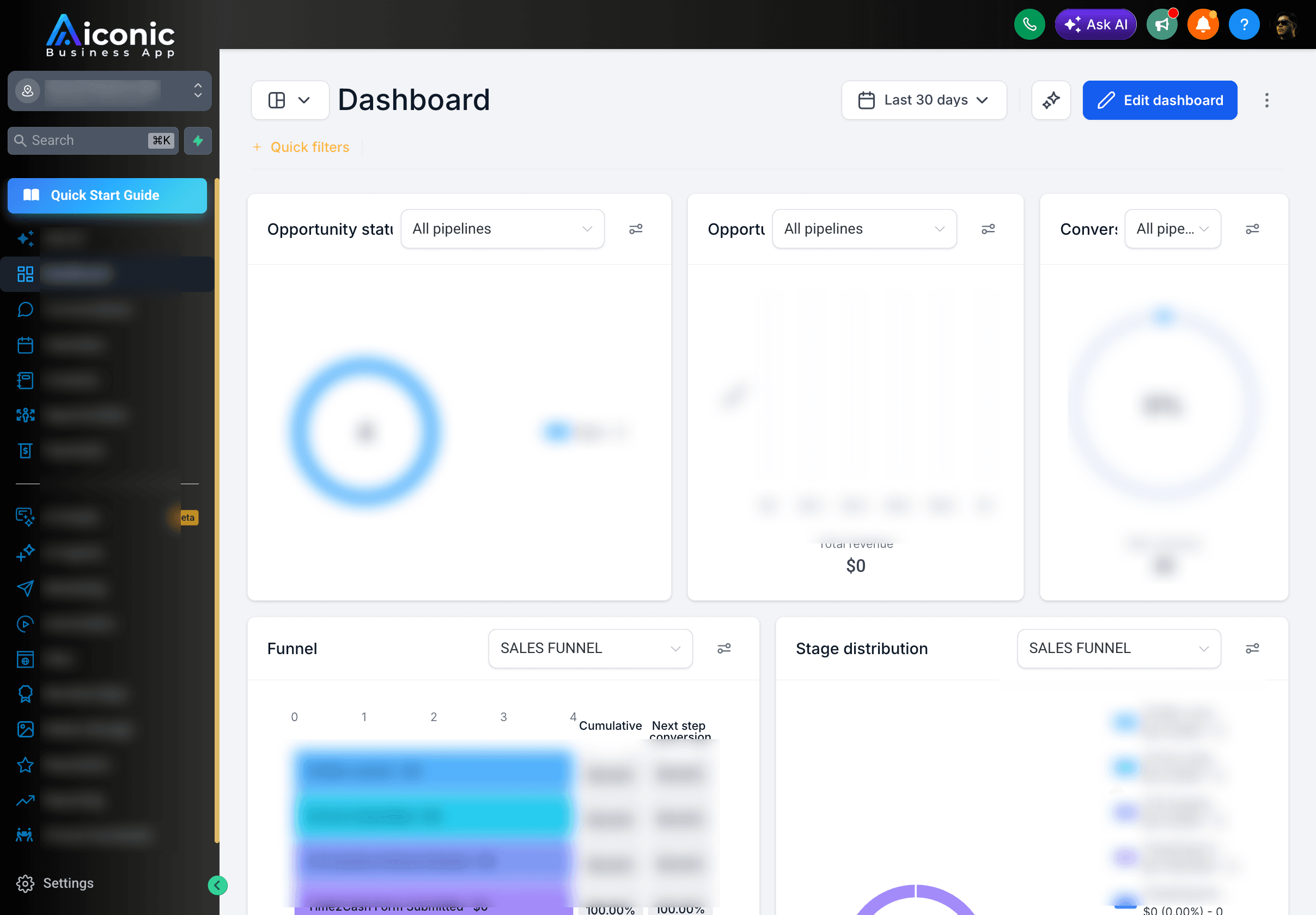
 Aiconic Microtools
 Powered by Aiconic OS
Open it on any GoHighLevel page. Your tools are one click from where you already work.
Install
Live in your toolbar in four steps.
We ship it as an unpacked extension so you get updates fast and we stay out of the review queue. It takes about a minute.
Download the zip
Open the download link we email you and save the zip file.
Unzip it
Double-click the download. You'll get a folder named "aiconic-microtools-for-ghl". Keep it somewhere you won't delete it.
Open your extensions page
Paste this into your address bar, then turn on Developer mode with the toggle in the top-right corner.
Load unpacked
Click "Load unpacked" and pick the folder you just unzipped. Pin the icon to your toolbar and you're done.
Works in Chrome, Edge, Brave, and any Chromium browser. On Edge the page is edge://extensions.
Tools
Small tools that save you real time.
Every one of these is a click away from wherever you are in GHL. The GHL-specific tools light up on GHL pages; the rest work on any site.
One-click page editMost loved
On any published GHL funnel or website page, jump straight into the builder for that exact page. No hunting for which funnel it was. Embedded GHL forms open to edit too, even on non-GHL sites.
Admin quick-nav
Already inside GHL? Jump between Dashboard, Contacts, Opportunities, Calendars, Sites, Forms, Automation, and Settings without clicking through menus.
Screenshot anything
Capture the visible area, the full scrolling page, or drag to crop a region. Save as PNG or PDF, or copy the image straight to your clipboard.
Grab images & media
Collect every asset on a page as thumbnails, then download them all, bundle them into a ZIP, or copy the URLs. Great for pulling brand assets fast.
Search tabs & history
A ranked, de-duplicated search across your open tabs and recent history. Jump back to where you were without digging.
Quick actions & side panel
Save the links you open and the snippets you paste all day, then keep them one click away in a side panel that stays open while you work.
Ask AI, workflow-aware
One click copies a ready prompt and opens Claude or ChatGPT. On automation pages it reads the workflow so you can ask about it right away.
Clear cache & QR preview
Clear the current site's cache and storage when a change won't show up, or pop a QR code to open the page on your phone in seconds.
Where this comes from
Built by the team behind Aiconic OS.
Aiconic Microtools is free because it's how we introduce agencies to Aiconic OS: a white-label AI support widget that answers your clients' GHL questions inside every sub-account, under your brand, and hands off to your team when it matters. If these tools save you time, the widget saves your support hours.
FAQ
The quick questions.
Is it really free?
Yes, free with no account and no catch. It's how we introduce agencies to Aiconic OS, so we're happy to give the tools away.
Why load unpacked instead of the Chrome Web Store?
It lets us ship updates the same day and keep the extension lean, without waiting on store review. Loading unpacked is a few clicks and works the same once it's in.
Is it safe? What can it see?
It only runs on the tab when you click the icon, and it asks for extra access (like history or downloads) only for the specific tool that needs it. There's no login and no backend, so nothing you do leaves your browser.
Does it work outside of GHL?
Yes. Screenshots, media grabbing, tab search, and quick actions work on any site. The GHL-specific tools (page edit, admin nav) light up when you're on a GHL page.
How do I update it?
Download the latest zip, unzip it over the old folder, and click the reload icon on your extensions page. That's it.
Grab the tools. Keep the time.
About a minute to install, yours to keep.